What Your Amazon Wishlist Reveals About You (and How to Lock It Down)
An Amazon wishlist feels like a shopping list that happens to be shareable. To anyone looking at it, it is closer to a profile. Your name sits at the top, the items describe your life in more detail than you'd guess, and depending on your settings, a gift bought from it can carry your address further than you meant it to go.
None of that is a reason to panic. Plenty of people share Amazon lists without any trouble. It is a reason to spend ten minutes in the settings before you put a link somewhere public. Here is what a list can give away, roughly in order of how much it matters.
Your Address, Through the Delivery
This is the big one, and it changed in 2026. When you attach a shipping address to a list, Amazon shows gift buyers your name and city, not your street. For years, owners of public lists could also stop people from buying items sold by third-party sellers, which kept the full address inside Amazon's own shipping.
In February 2026 Amazon emailed owners of public lists to say that from March 25 that restriction would go. Items from third-party sellers can now be bought from a public list, those sellers receive the delivery address so they can ship the order, and Amazon said gift buyers may receive the recipient's address through sellers and delivery partners as part of shipping updates and tracking. Its advice to anyone worried was to use a PO box or a non-residential address.
The change was reported by list owners in the US and Europe. Amazon's settings differ from country to country, so if you shop on amazon.ca or elsewhere, go through the settings below rather than assuming you're covered.
The short version: if your list is public and has your home address attached, assume a determined buyer can find out where you live.
Your Name, and Whatever Goes With It
A list shows a name, usually the one on your account. On its own that's harmless. The trouble is what a name connects to. If you have written product reviews under the same name, or filled in your Amazon public profile, look at what that profile shows, because anyone holding your list now has your name to search for. Reviews say more than people remember: the town mentioned in a snow blower review, a child's age in a car seat review, a pet's breed, a medical condition.
Your Life, Item by Item
This is the part people underestimate. Thirty products make a fairly detailed portrait:
- Sizes. Clothes, shoes, rings.
- Health. A blood pressure monitor, a knee brace, a particular skin treatment, prenatal vitamins.
- Life events. A crib before you've told anyone at work. Moving boxes and a new router before a move. A wedding guest book.
- Your home. A filter for a specific furnace model, a crate for a large dog, the exact smart lock on your front door.
- Your plans. Lists can show when each item was added. A batch of camping gear and a cooler the week before a long weekend tells people when the house might be empty.
Each item on its own is nothing. Next to a name and a city, they are exactly the kind of detail that makes a scam message convincing, or lets a stranger open with "Congratulations on the baby!" before you've announced anything.
Birthdays and Other Optional Fields
List settings include optional fields such as a recipient name, a birthday and a description, depending on the type of list. They're there to help gift buyers, and on a list shared with family they do. On a public list, a full name, a birthday and a city together are a useful head start for anyone trying to get past a security question. Leave the birthday blank on anything public. Your friends already know when it is.
How to Lock It Down
Menus move around between the app and the website, so look for the list's settings, usually labelled Manage list, often behind a three-dot menu.
- Change Public to Shared. Public means anyone can search for and see the list. Shared means only people with the link can see it. Private means only you. Shared is the right setting for almost every personal list, and the March 2026 change was described as applying to public lists.
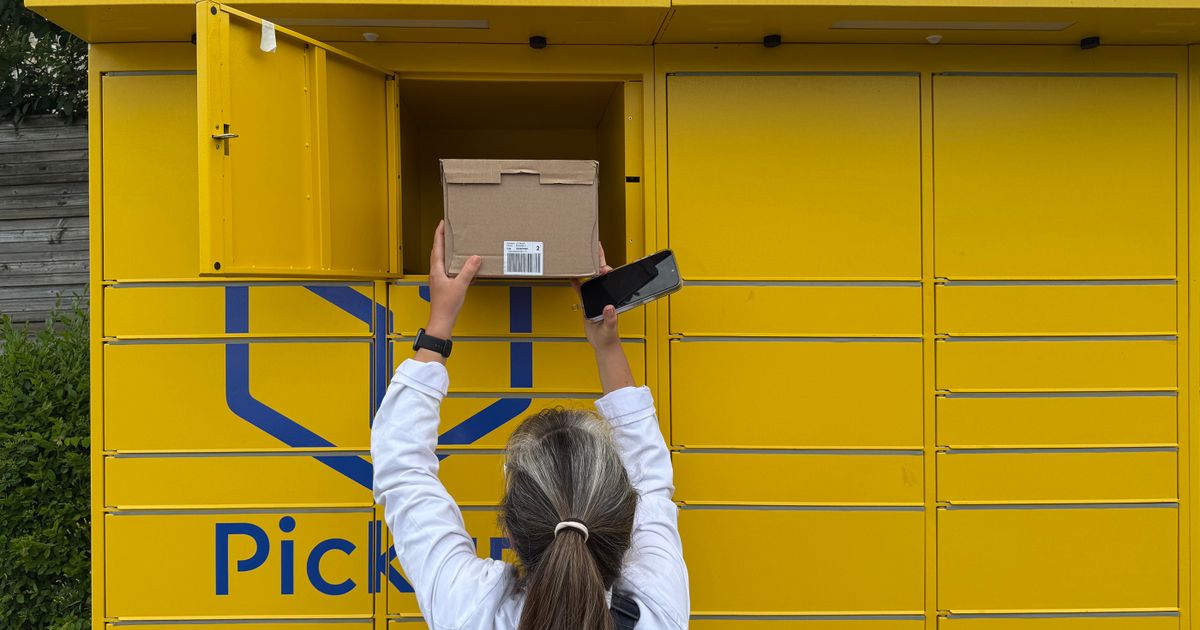
- Remove or change the shipping address. A list's address can be set to none, which means anyone who wants to send you something has to ask you first. Or point it at a PO box, a pickup point or another address that isn't your home.
- Clear the optional fields. The birthday, your full name if a first name will do, anything personal in the description.
- Prune the items. Read the list as a stranger would. Anything medical or private can go on a separate private list.
- Check it logged out. Open the shared link in a private browser window and see exactly what a guest sees.
- Look at your old lists. A baby registry, a wedding registry or a list from five years ago may still be public with an old address attached. Old addresses are often family homes.
Or Keep the Address Out of the List Entirely
The underlying issue is that a store's list is built to ship to you, so your address is part of the design. A universal list works the other way round. On Send Me Your Gifts, a list holds items from Amazon or any other shop, guests buy from the store themselves, and the site never asks for or shows your address. You decide separately how gifts reach you, whether that's in person, a pickup point or a rented box, and you say so in the list description.
Lists can be public, unlisted or private, and guests claim items so nothing gets bought twice. If your list spans several stores, the universal gift registry guide explains how that works, and how to get gifts without giving out your address compares every delivery option side by side.
Ten minutes in the settings now is a lot less work than moving. When you're ready, make a free wishlist that never needed your address to begin with.
Keep browsing
Read how to share a wishlist without your home address, or browse the most wished for gifts.
Or create your own free wishlist — add gifts from any store, share one link, and let people claim what they are buying so nothing arrives twice.